
How work gets done with easylog, from dock to truck
Follow a day in a multi-client warehouse. Screens are from the current easylog release; all data is fictitious.
Receiving and quality control
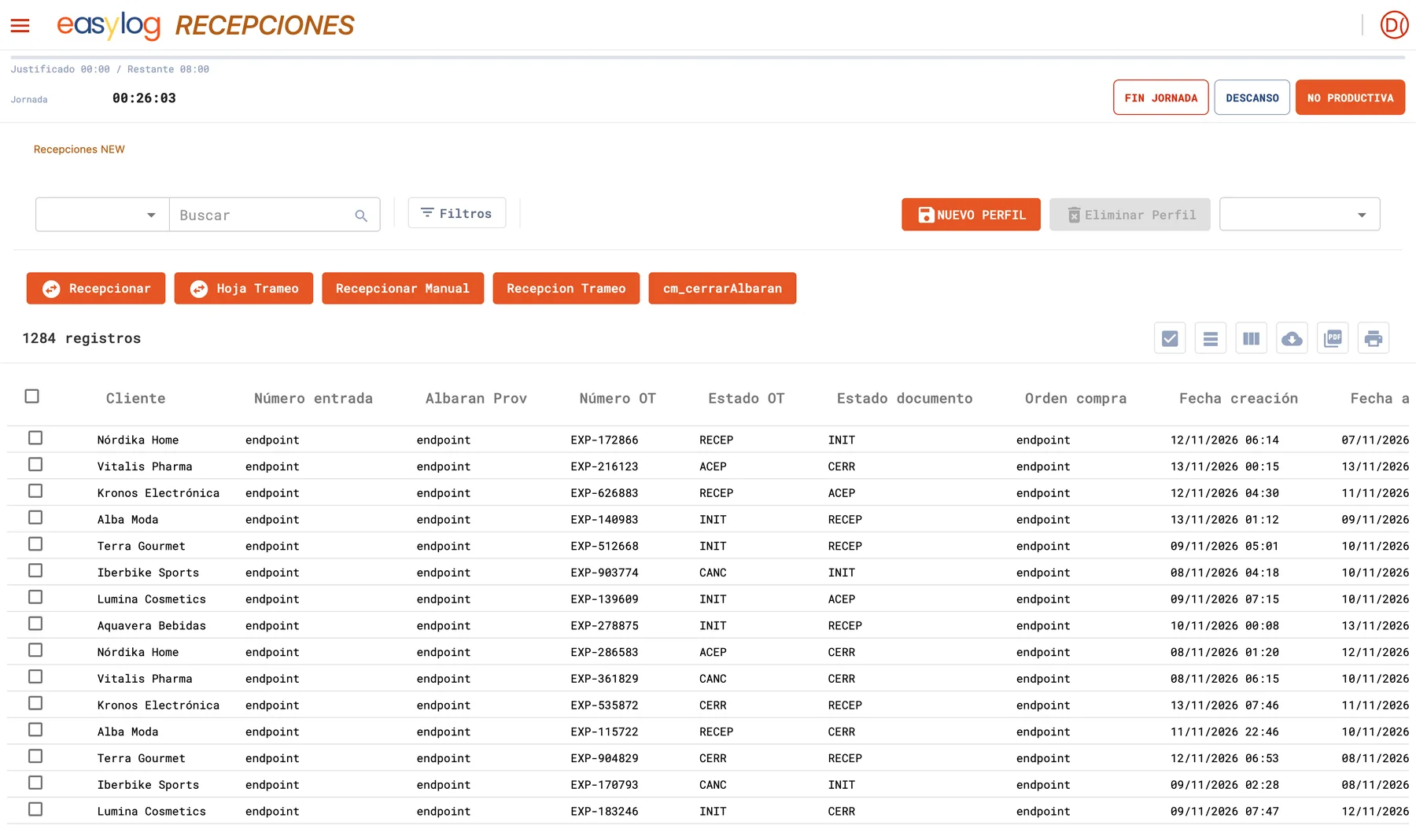
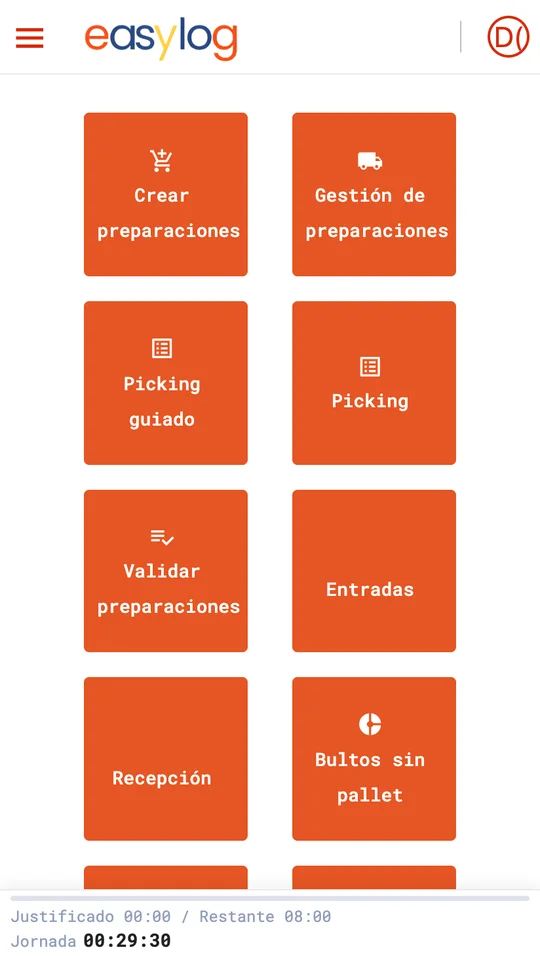
Goods arrive with their ASN. The operator receives with the handheld, easylog labels each pallet with its SSCC and routes to QC whatever needs it.
- Receiving against purchase order or ASN
- Batches, expiry and serial numbers from the first scan
- Pallet build sheet and manual receiving for exceptions
Directed put-away and layout
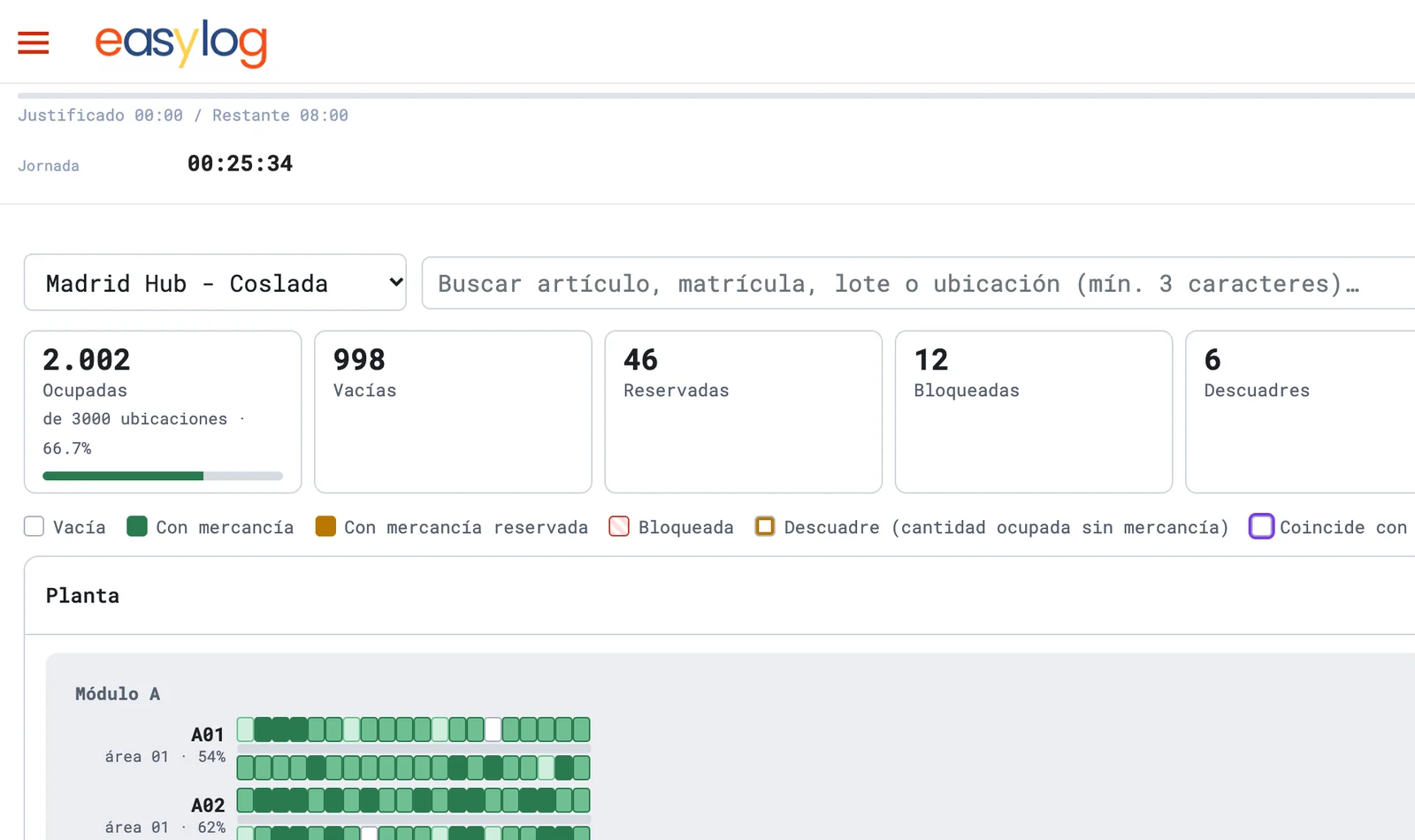
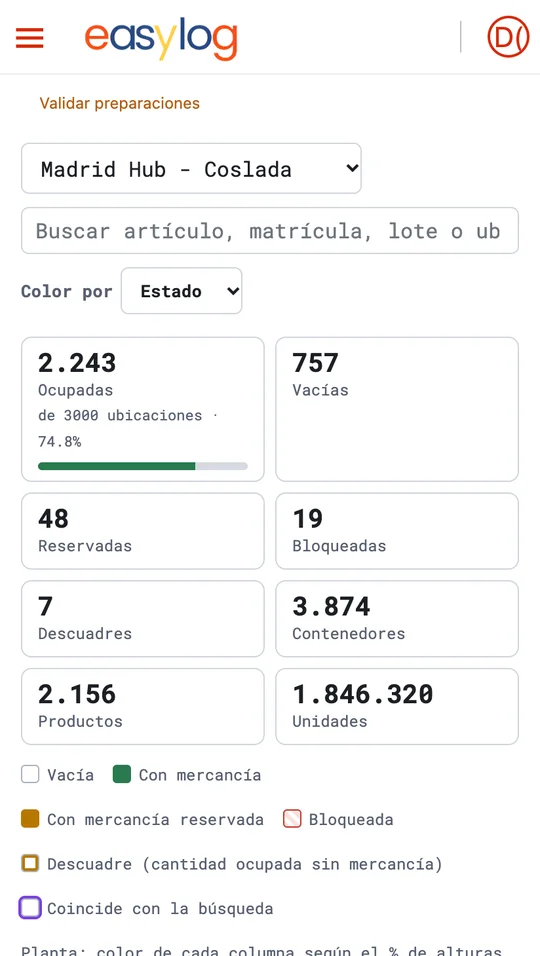
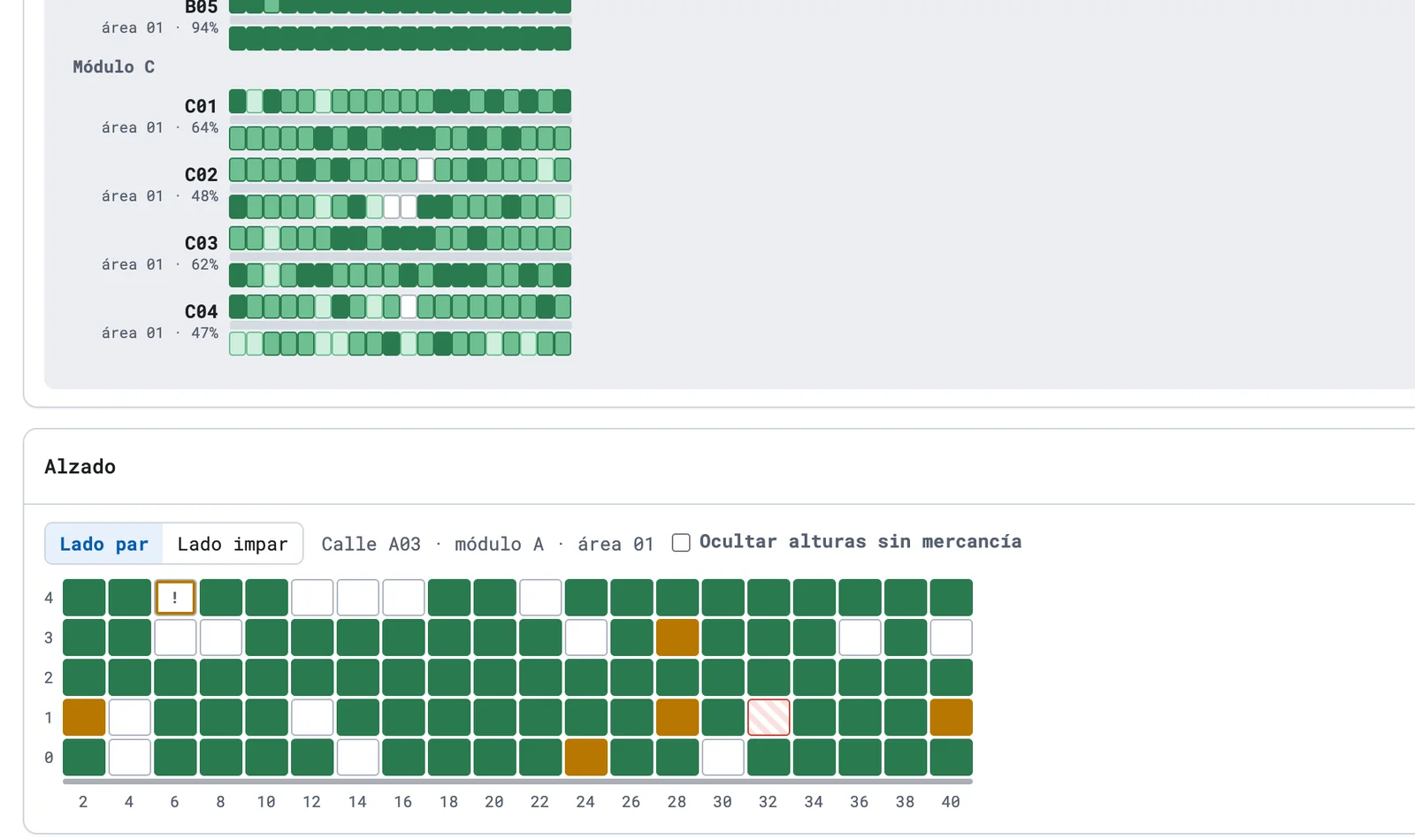
easylog proposes the location by family, capacity and velocity. The supervisor sees the occupancy of every aisle in plan and elevation.
- Configurable put-away rules
- Plan and elevation with the status of each slot
- Search by item, batch or licence plate
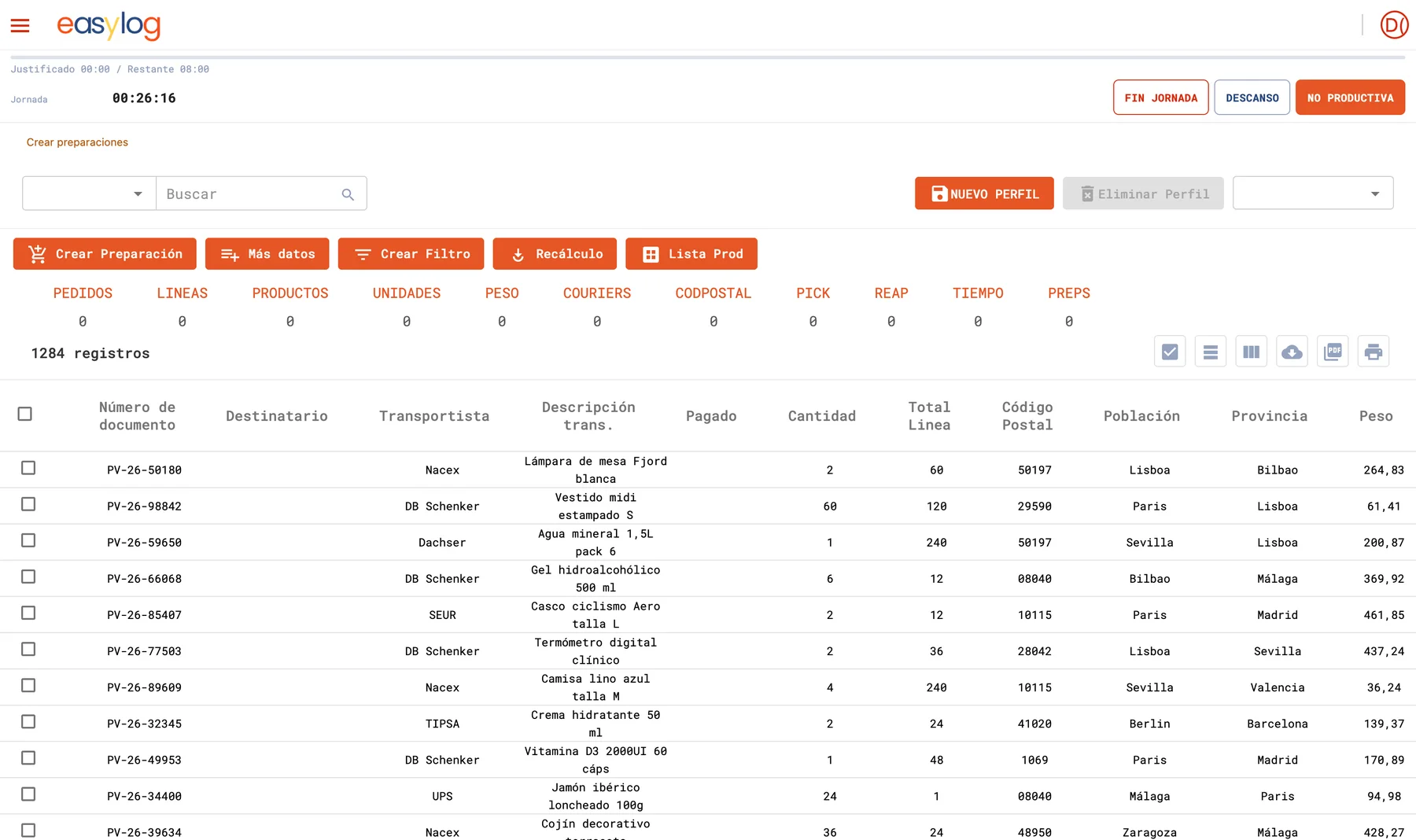
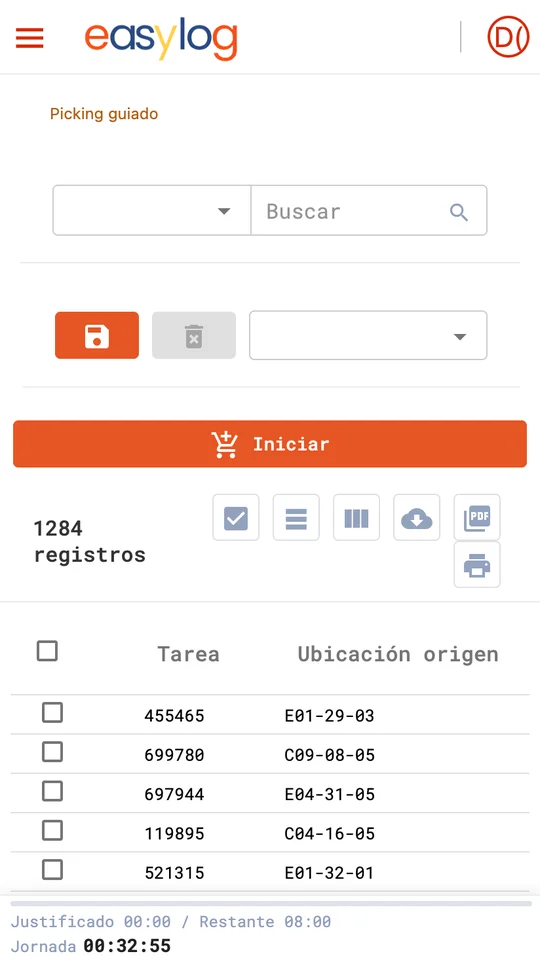
Wave planning and guided picking
Orders are grouped into picking waves with their KPIs (lines, units, weight, carrier). On the handheld the operator follows the optimised route.
- Waves by carrier, route, zone or priority
- Validation and resource assignment
- Scan-confirmed picking
Consolidation, packing and shipping
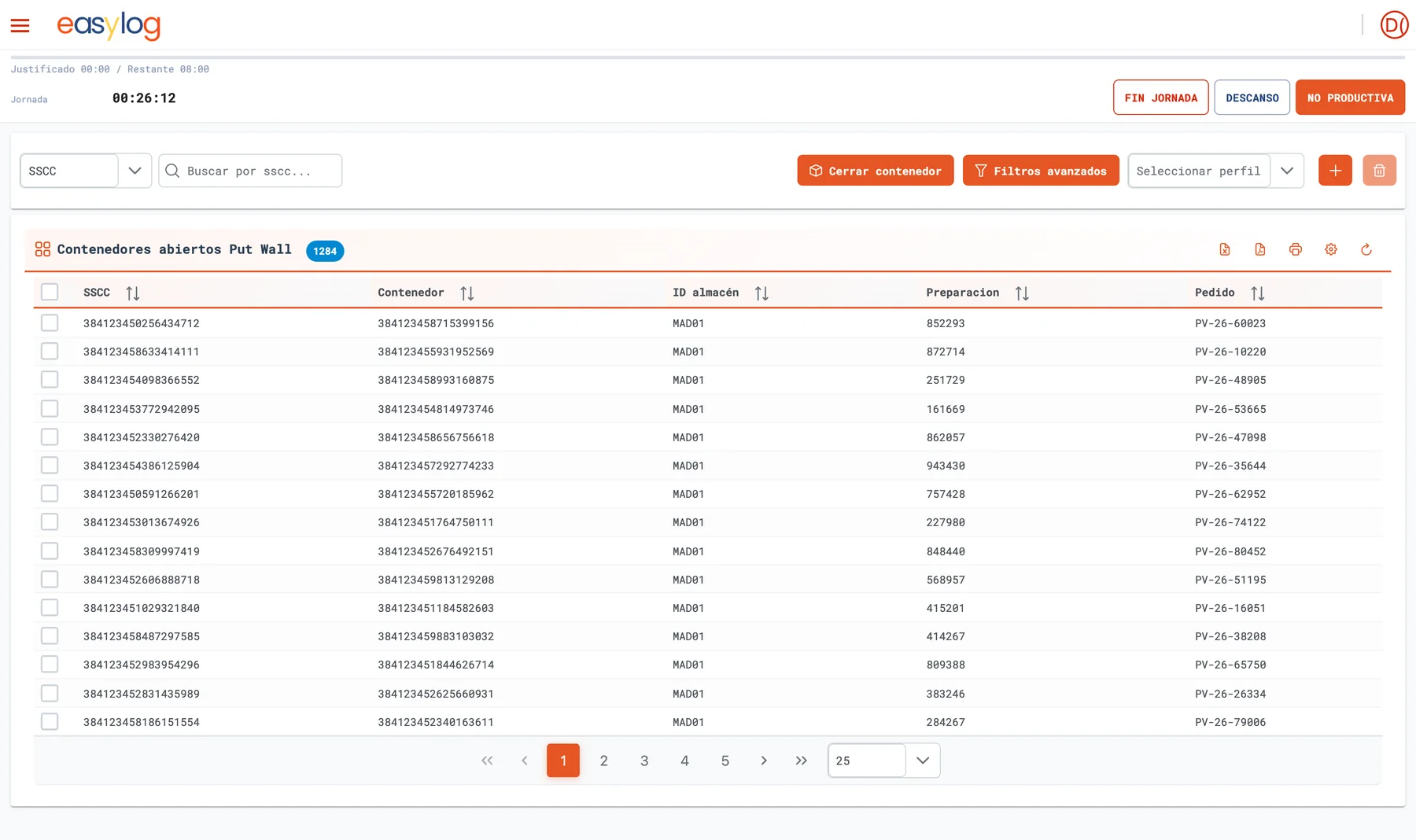
Parcels are consolidated in the put-wall, packed and shipped with the label of the carrier chosen by rules. The ERP or client gets the confirmation instantly.
- Put-to-wall and open container control
- GS1 labels and transport documents
- Online tracking with 20+ carriers
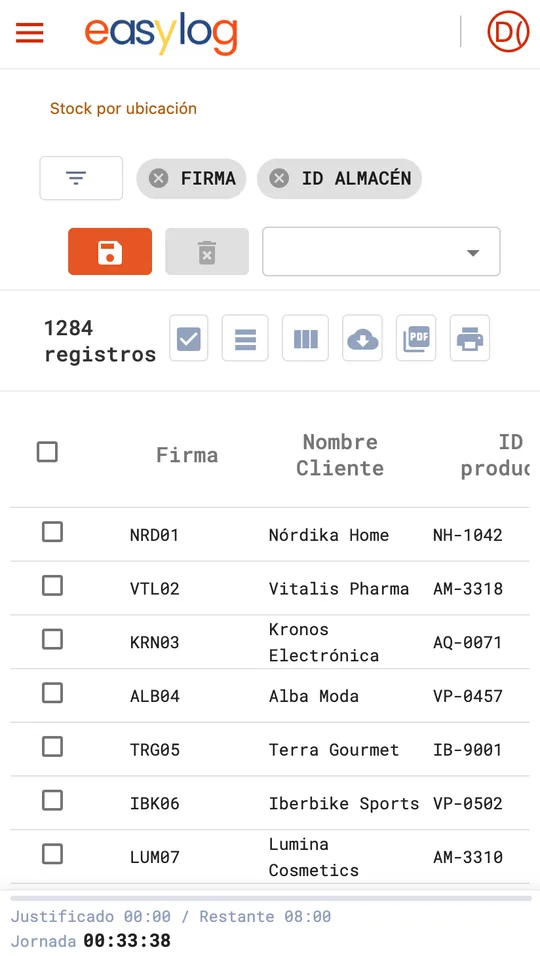
Tasks, stock and traceability
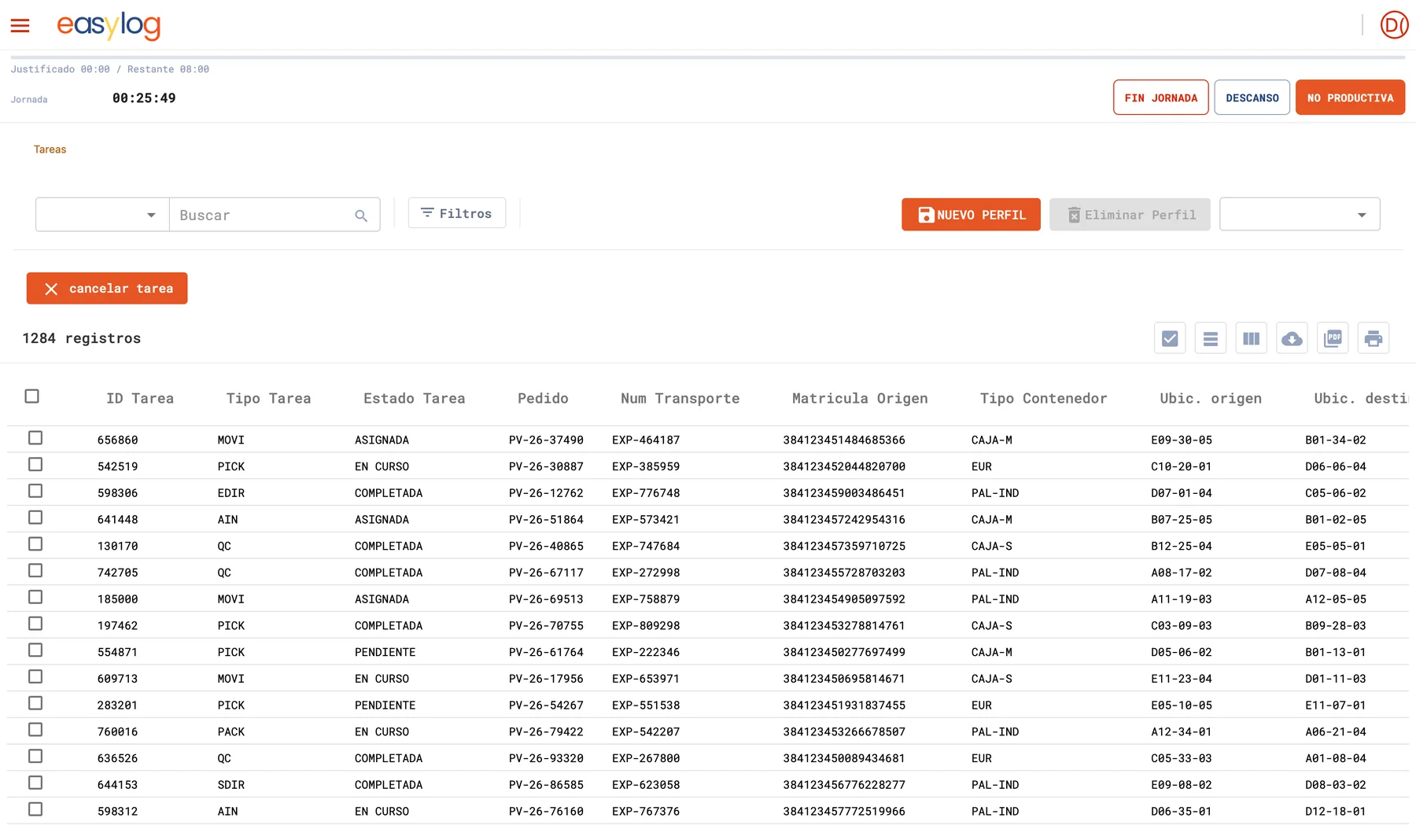
Everything that happens is a task: who, what, where and when. Stock by location is always up to date and auditable.
- Task list with priority and status
- Stock by location, client, batch and QC status
- Audit trail of prints and changes
Productivity and time (LMS)
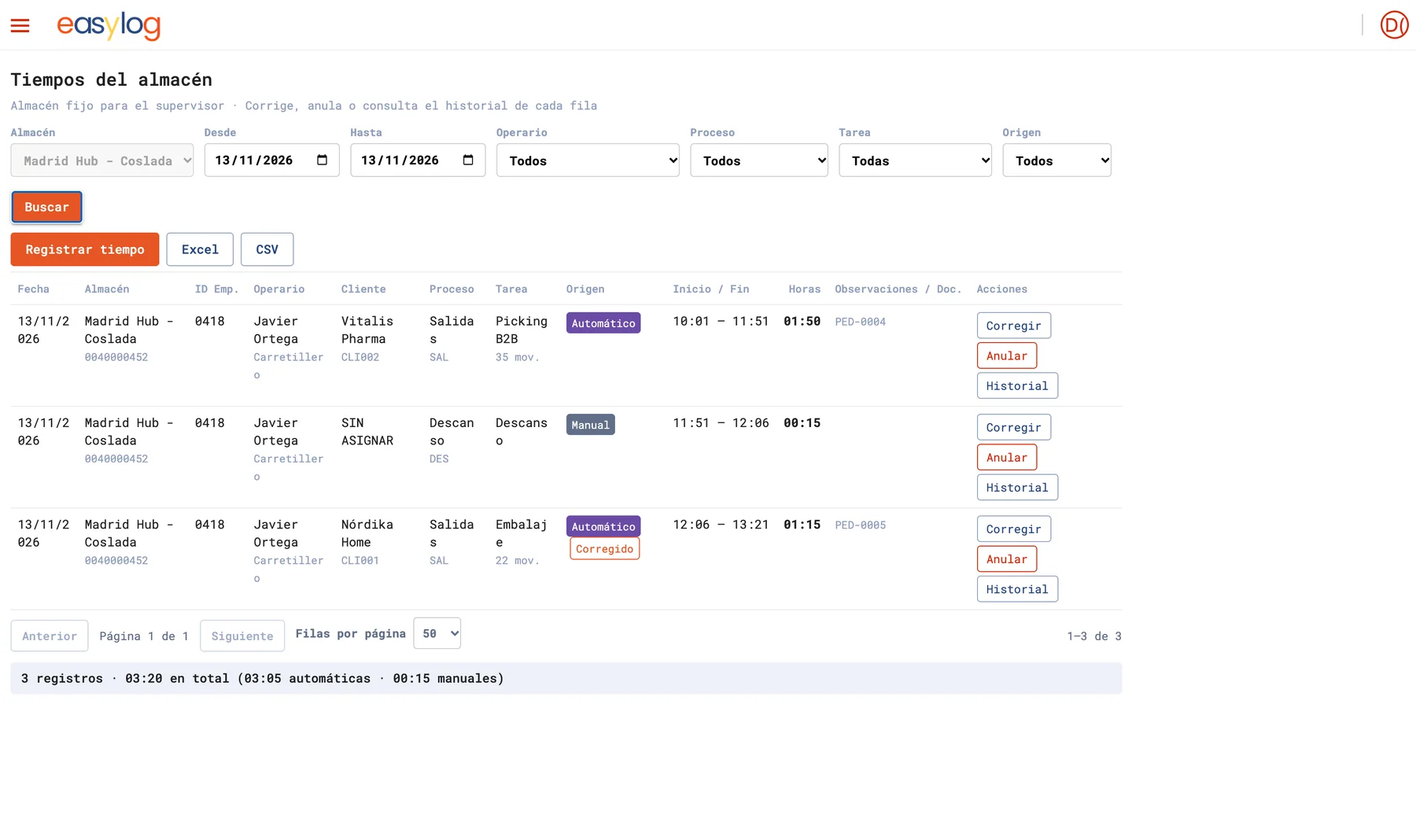
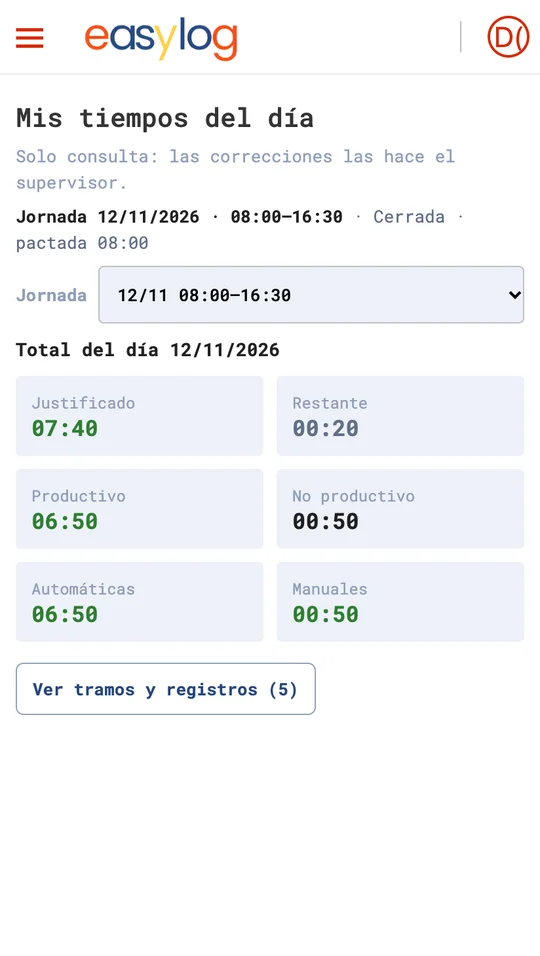
Each operator clocks in on the handheld and easylog allocates time to processes, tasks and clients. Supervisors correct and export with full traceability.
- My times today for each operator
- Automatic and manual times
- Summary by operator, client, process and task
Every way to count stock, without stopping the warehouse
easylog combines planned inventories, live counts and automatic checks so system and physical stock always match.
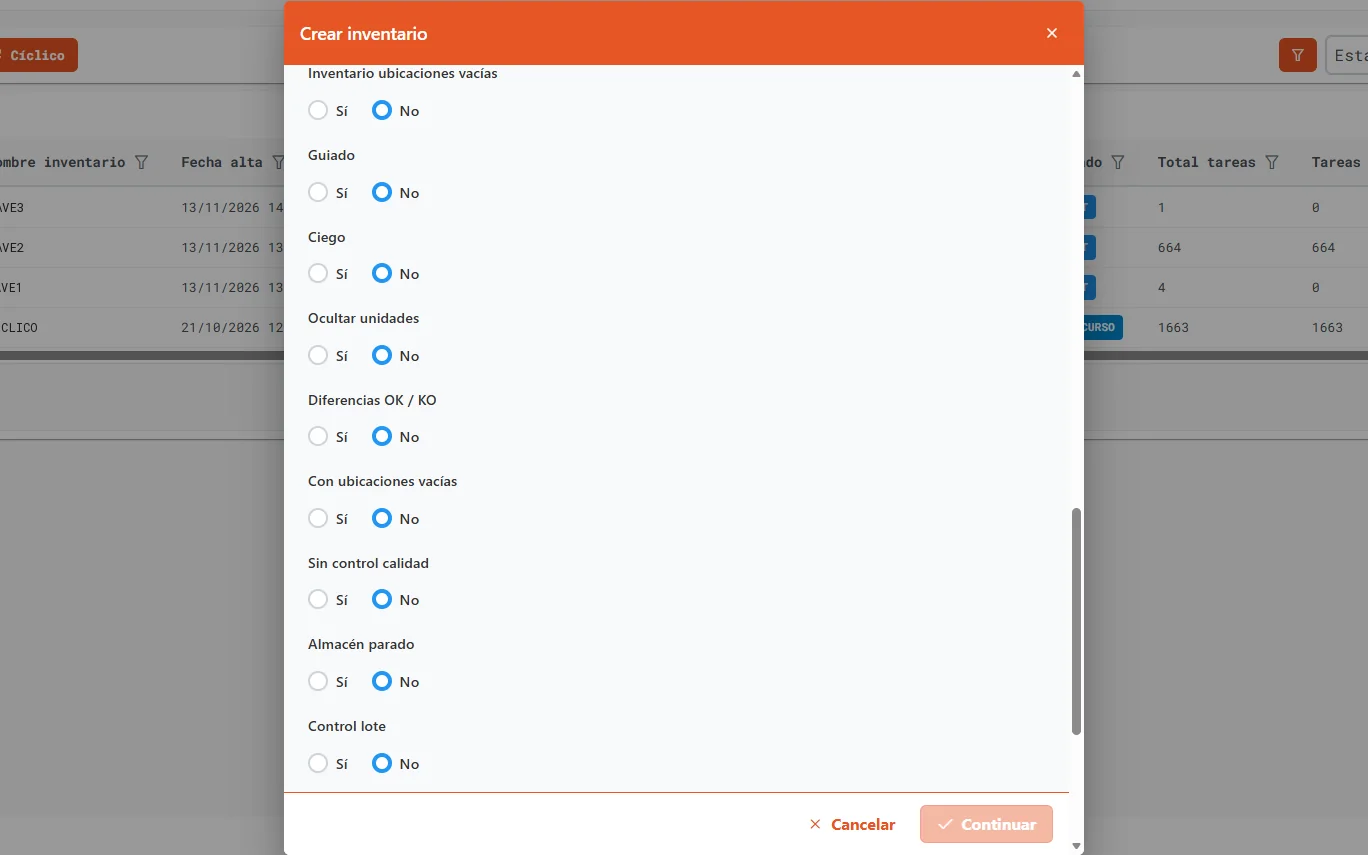
Complete count of the warehouse or an owner, planned by zone.
By location, item, family, zone or ABC velocity, spread over time.
Counts without blocking stock or stopping inbound and outbound.
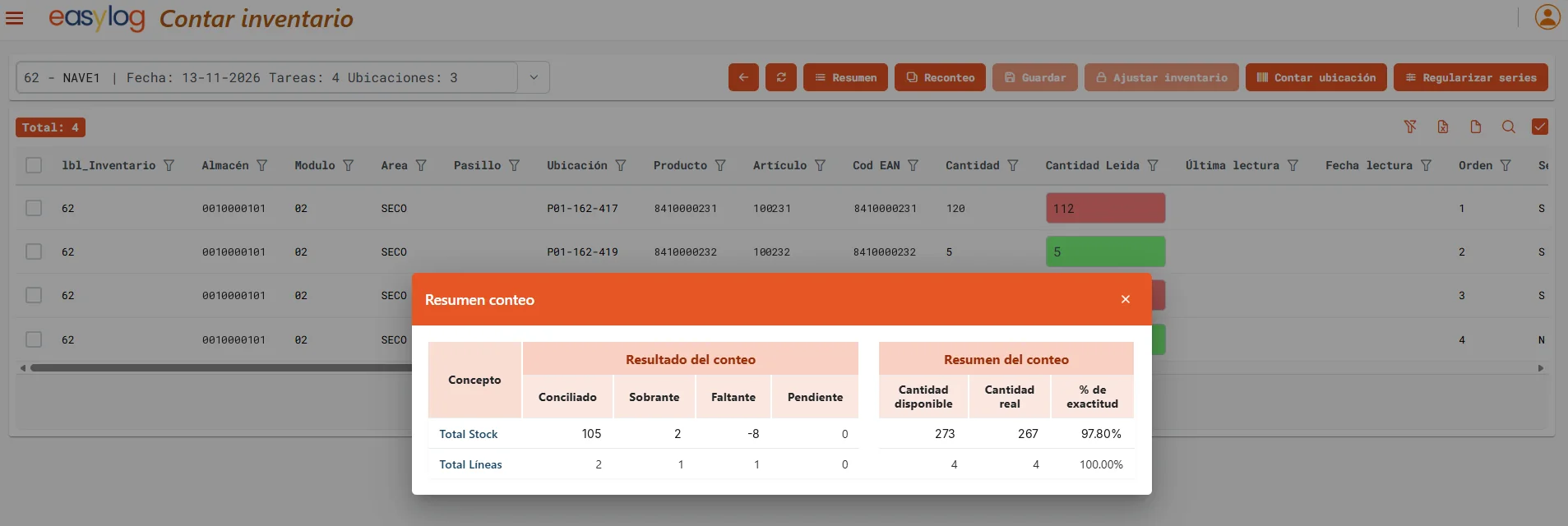
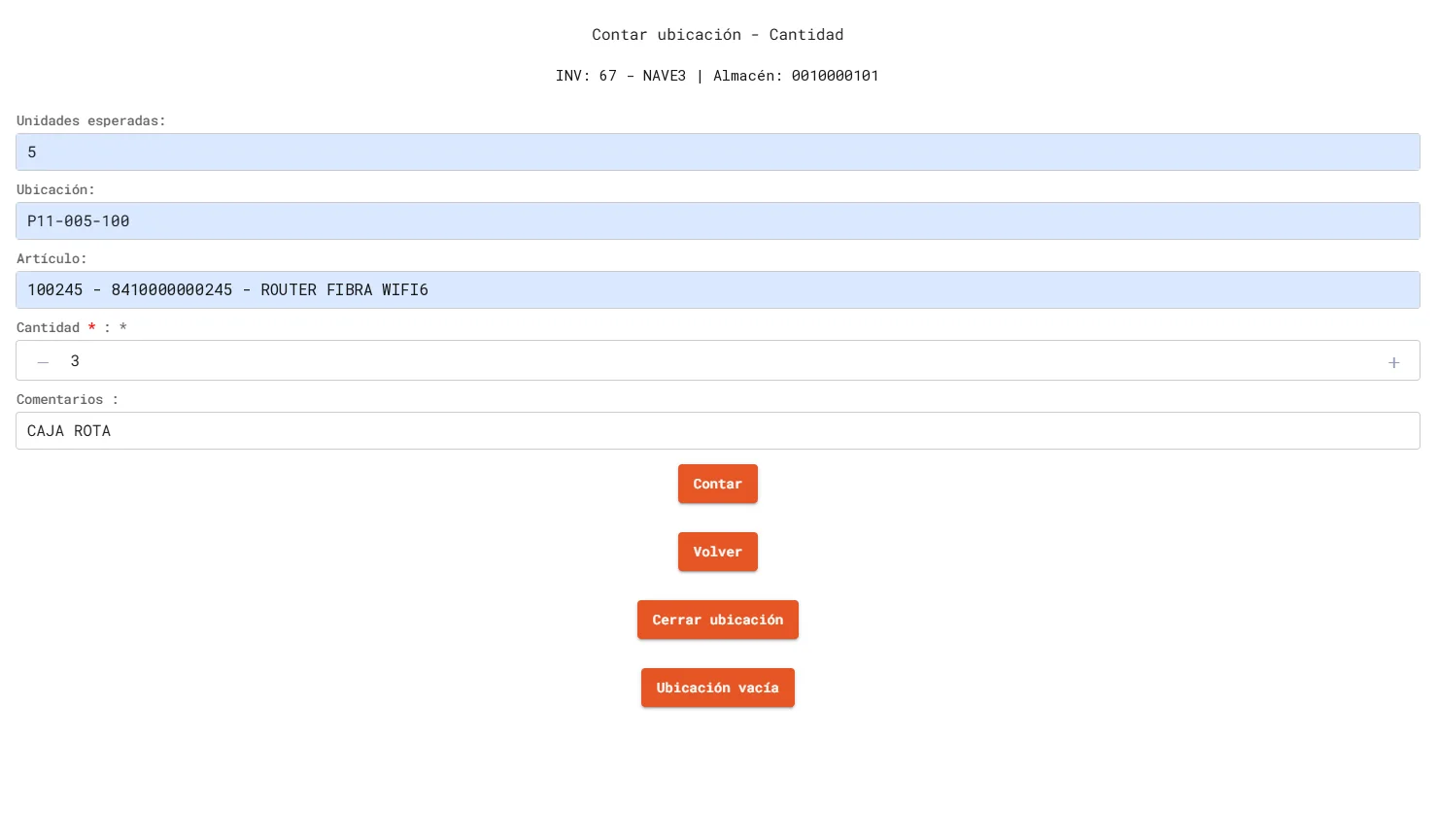
Operators count by scanning location, item, batch and serial; the system compares and proposes the adjustment.
Counting tasks assignable to mobile robots under the same task model.
Automatic accuracy measurement and discrepancy detection on the layout.
Every adjustment is logged with user, date, location and difference, bulk ones included.
Start up new sites or clients by uploading opening stock.
Returns under control, back in stock within hours
Every return is received, inspected and dispositioned with traceability back to the original order, so products return to sale fast and your client always knows what happened.
Against the original order
- Search by order, client or item
- Returns without order (manual)
- Batch and serial number
Grading by condition
- Product and quality status
- Reason and incident recorded
- Consolidation in cubbies
Rule-driven
- Restock to available inventory
- Quarantine, refurbish or write-off
- Return to vendor
Report and bill
- Confirmation to ERP or client
- Returns reporting
- Billable service and LMS times
If you do it in the warehouse, you can bill it
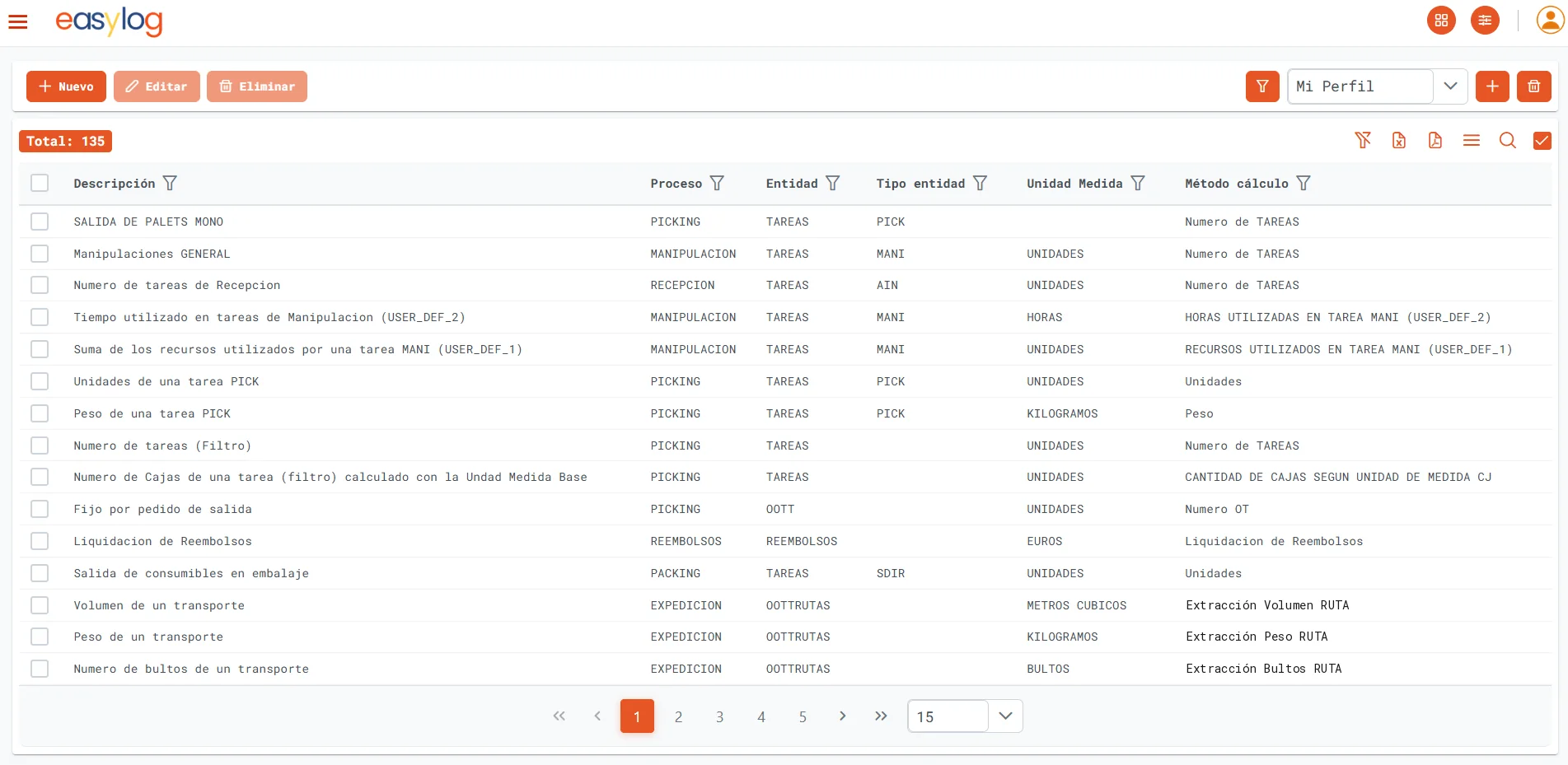
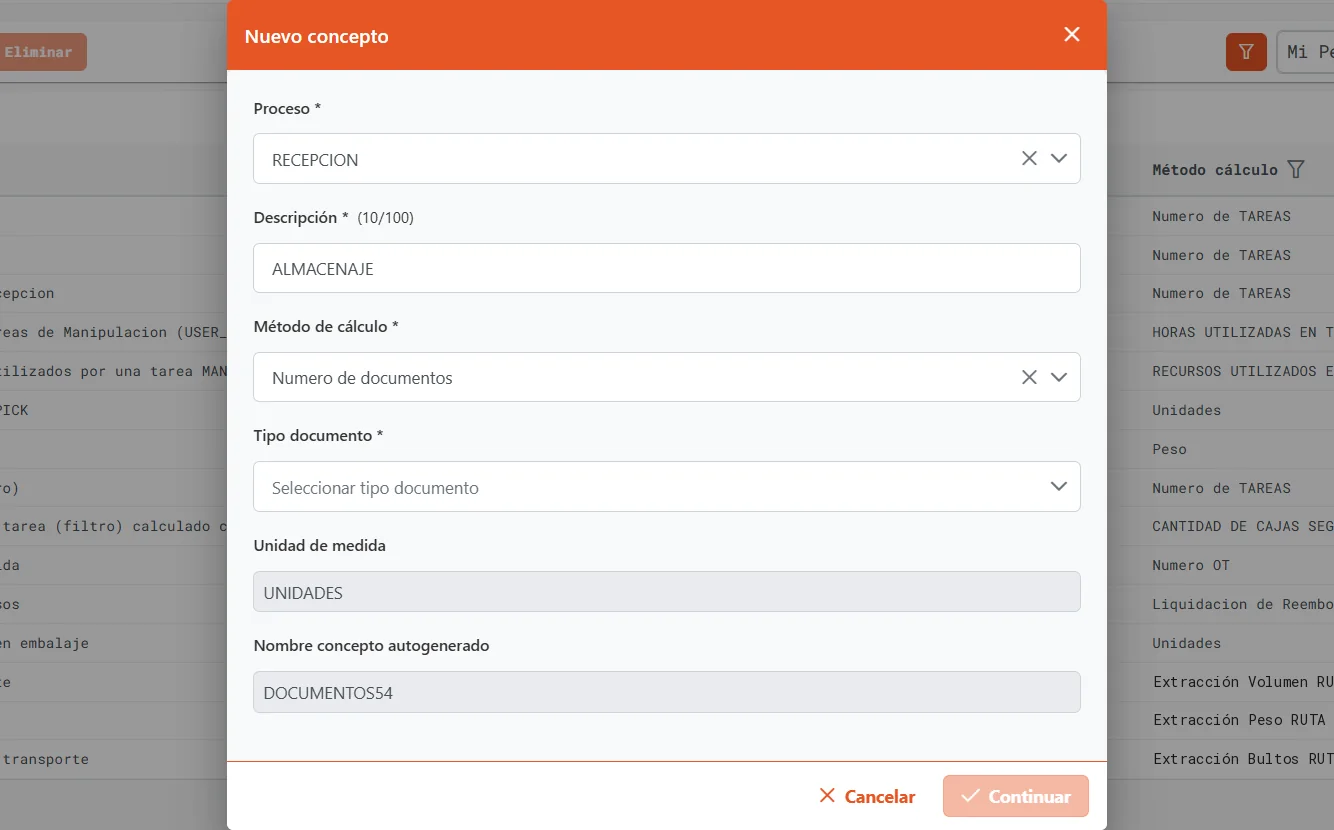
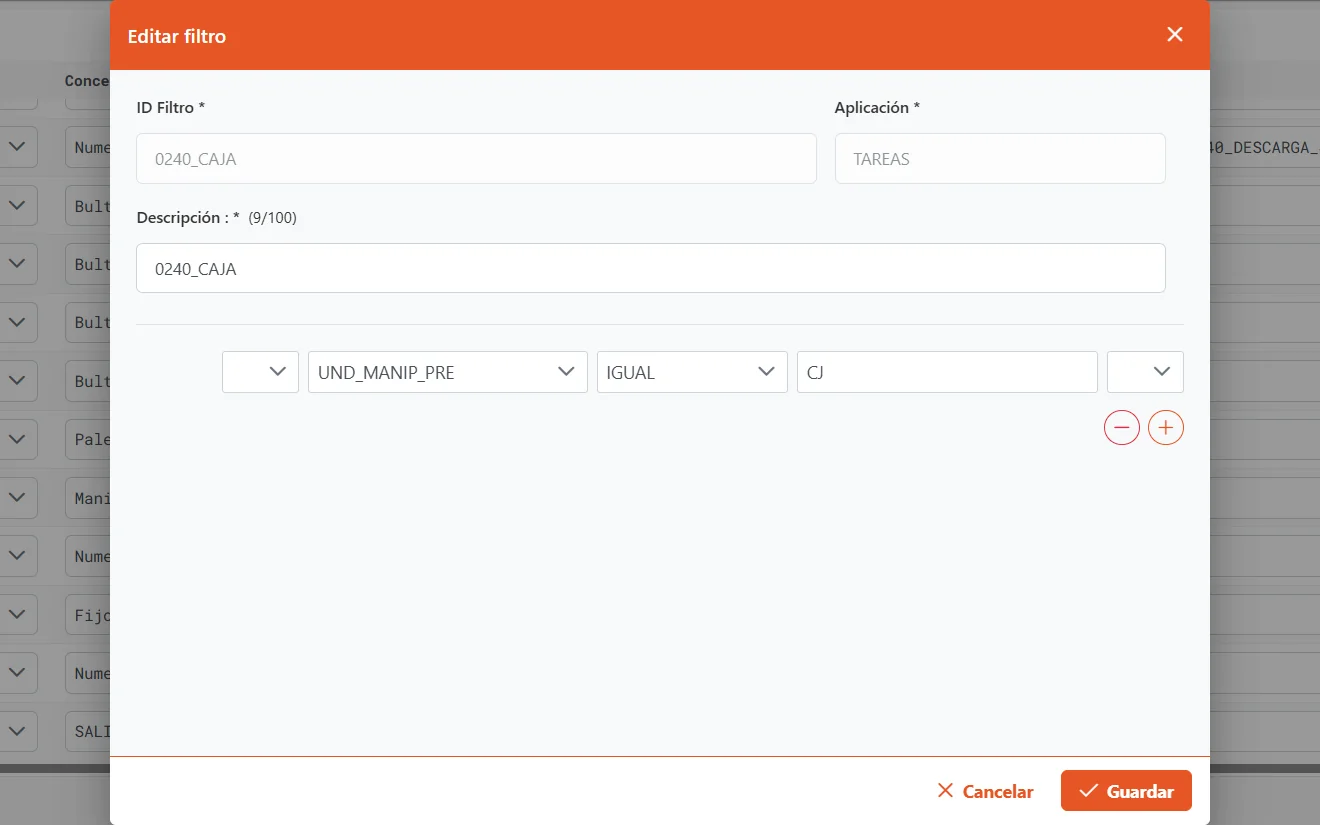
easylog’s billing engine prices every service automatically from real activity. Each concept is defined by a process, a unit, filters and a tariff, per client and contract, with no coding.
What is billed?
- Storage · 15 criteria
- Documents · 70 criteria
- Work orders · 60 criteria
- Tasks · 64 criteria
- VAS and manual
When does it apply?
How is it priced?
- Per pallet, location, m³ or storage day
- Per order, line, unit or parcel
- Per task, hour or service
- Tariffs per client and contract
Review and invoice
- Detail traceable to each document or task
- Manual concepts and VAS
- Export to ERP
- Cost-to-serve with LMS
200+ combinable criteria across storage, documents, work orders and tasks.
Driver app
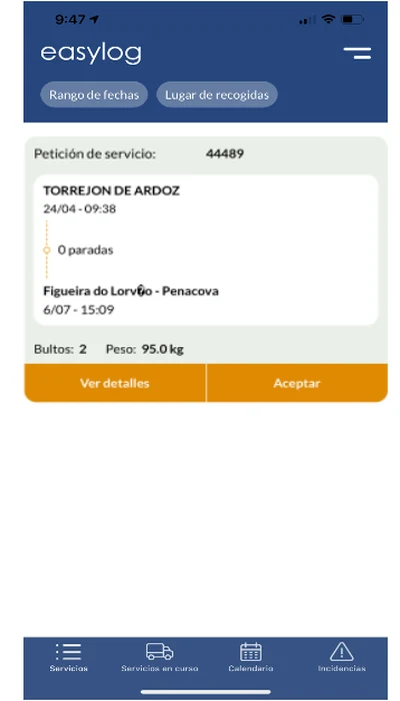
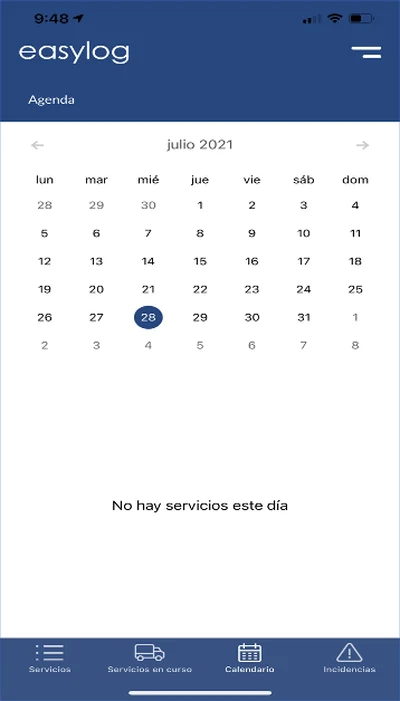
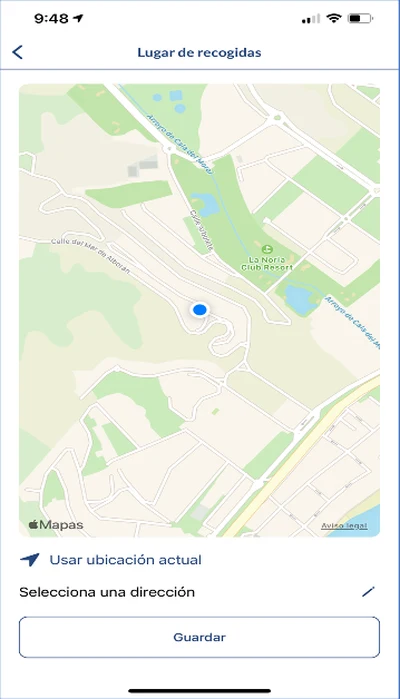
Service requests, schedule, pick-ups on a map, parcel checks, incidents and proof of delivery with signature and photo. iOS and Android.
See easylog running your operation
In 45 minutes we walk you through your own flows —receiving, put-away, picking and shipping— in a demo led by our logistics team.